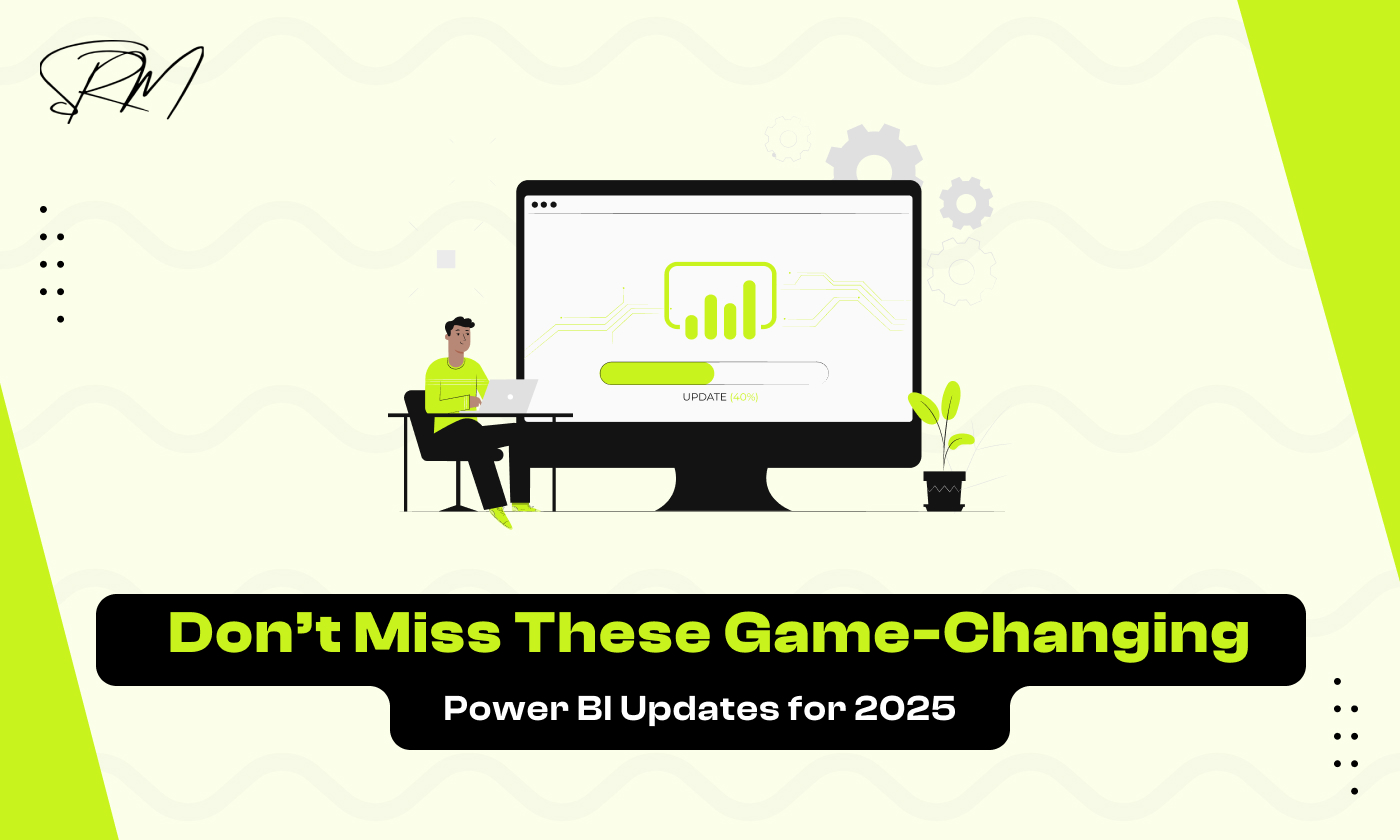
Don’t Miss These Game-Changing Power BI Updates for 2025
1. Introduction: Why 2025 Power BI Updates Matter
Power BI has long been a favorite tool for data analysts, business leaders, and organizations looking to turn raw data into meaningful insights. With each new version, Microsoft pushes the boundaries of what Power BI can do, making it faster, smarter, and more intuitive. The updates in 2025 are no exception, they are designed to help users make better decisions, save time, and create even more impactful reports.
Staying up-to-date with these updates is no longer optional. Businesses that adopt the latest Power BI features gain a competitive edge by accessing real-time data, leveraging AI-driven insights, and creating visually stunning dashboards that communicate information clearly. On the other hand, those who ignore these changes risk falling behind in an increasingly data-driven world.
What makes the 2025 updates particularly exciting is the combination of advanced AI capabilities, improved performance, and enhanced collaboration tools. Whether you are a beginner or a seasoned professional, these changes make data analysis more efficient, flexible, and powerful.
Table of Contents
2. Enhanced Data Connectivity
Power BI 2025 brings exciting improvements in how you connect and access data. These updates make it easier to bring information from multiple sources into one place, giving you a complete view of your business. With improved connectivity, users can now combine data from different platforms, like cloud apps, on-premises databases, and third-party services, without complex setup or coding.
These enhancements also mean that teams can collaborate more effectively, as everyone can access the same updated data in real time. Moreover, the updated connectors and integration tools reduce errors that often occur when transferring or combining data manually. Overall, these changes save time, improve accuracy, and make data analysis more seamless and efficient than ever before.
2.1 New Data Connectors and Integration Options
One of the biggest updates is the addition of new data connectors. This means you can now connect Power BI to more apps, databases, and online services than ever before. Whether your data is in cloud storage, on-premise systems, or third-party applications, these connectors make importing and combining data simpler and faster.
In addition, integration options have been improved. Power BI can now work more smoothly with other Microsoft products like Excel, Teams, and Dynamics 365. It also supports better integration with popular third-party tools, allowing your team to centralize data without complex setups.
2.2 Real-Time Data Access Improvements
Another game-changing feature is the enhanced real-time data access. Power BI 2025 now allows dashboards and reports to update automatically as new data comes in. This is especially useful for monitoring sales, website traffic, or operational metrics where every second counts.
With these improvements, you no longer have to manually refresh reports or wait for overnight updates. Decisions can be made faster because your team always has access to the latest information.
3. Advanced Data Modeling
Power BI 2025 introduces powerful updates in data modeling, making it easier for users to organize, analyze, and gain insights from their data. These improvements help both beginners and experienced analysts work faster and make smarter decisions. With the new features, building complex data models has become more intuitive, reducing the need for manual setup and repetitive tasks. Users can now automatically detect relationships between tables, create hierarchies, and generate recommended measures with AI assistance. These enhancements not only save time but also improve the accuracy and reliability of your reports, allowing businesses to make data-driven decisions with confidence. Overall, the 2025 updates make data modeling more efficient, intelligent, and accessible for everyone.
3.1 Smarter Calculations with DAX Updates
DAX, Power BI’s formula language, has received several updates in 2025. These updates make calculations faster and more efficient, allowing you to create complex measures without struggling with complicated formulas. New DAX functions simplify tasks like date analysis, financial calculations, and dynamic aggregations.
Key highlights include:
- Simplified Date and Time Functions: Quickly calculate trends, comparisons, and cumulative totals without complicated formulas.
- Advanced Aggregation Options: Summarize large datasets more efficiently for faster report generation.
- Error Reduction: New functions help avoid common mistakes in calculations, making results more accurate.
These improvements make your reports more reliable and save valuable time when preparing complex datasets.
3.2 AI-Powered Model Suggestions
Power BI 2025 now includes AI-driven suggestions to help you optimize your data models. The system analyzes your datasets and recommends relationships, hierarchies, and measures automatically, reducing manual work and improving efficiency.
Key benefits include:
- Automatic Relationship Detection: Power BI suggests the best way to connect tables for accurate analysis.
- Optimized Hierarchies: Quickly create hierarchies for categories like date, geography, or product without manual setup.
- Intelligent Measure Recommendations: AI proposes useful calculations based on your dataset, making even complex analytics easier.
These AI enhancements allow users of all skill levels to create strong, well-structured datasets, improving the quality of insights and speeding up report creation.
4. Visualizations and Reporting Enhancements
Power BI 2025 brings exciting updates to visualizations and reporting, making it easier for users to present data in meaningful and interactive ways. These enhancements help businesses tell a story with their data, making insights clearer and decisions faster. Users can now explore data more intuitively, interact with visuals in real time, and uncover patterns that might be missed in static reports. The new reporting tools also allow for easier customization, ensuring that dashboards and reports are tailored to the needs of each team or stakeholder. Overall, these improvements make data visualization more engaging, insightful, and actionable.
4.1 New Interactive Visuals
Updates introduce several new interactive visuals that make dashboards more engaging and easier to explore. Users can now interact with data in real time, filter information instantly, and explore trends without leaving the report.
- Enhanced Charts and Graphs: New chart types allow for better comparison and trend analysis.
- Interactive Elements: Click, hover, or drill down into visuals to uncover detailed insights.
- Customizable Visuals: More flexibility to change colors, shapes, and layouts for clearer storytelling.
These new visuals make it easier for teams to analyze data intuitively and uncover hidden patterns that static reports might miss.
4.2 Improved Reporting Features
Reporting has also been upgraded in Power BI to improve usability and efficiency. Creating, sharing, and collaborating on reports is now faster and more seamless than before.
- Faster Report Creation: Pre-built templates and AI suggestions help build reports quickly.
- Better Filtering and Slicing: Enhanced controls make it easier to view specific data segments.
- Collaborative Features: Improved options for sharing reports with colleagues or embedding them in apps and portals.
With these enhancements, users can produce professional, interactive reports that are easy to understand, making decision-making faster and more data-driven.
5. Performance and Speed Upgrades
Now, Power BI brings significant performance improvements that make working with data faster and more efficient. Reports load more quickly, and queries execute with much less waiting time, even when dealing with complex datasets. These upgrades help users save time and focus on analyzing insights rather than waiting for reports to refresh. With these improvements, teams can make real-time decisions and respond to business changes more quickly, giving organizations a competitive edge.
5.1 Faster Query Execution
The query engine in Power BI has been enhanced to process data more efficiently. This means calculations, aggregations, and filters happen almost instantly, allowing users to interact with dashboards without delays. Whether you are exploring sales trends, customer behavior, or operational data, the improved query speed ensures a smooth and responsive experience. Additionally, faster queries reduce the load on your system, enabling multiple users to work on the same reports simultaneously without slowing performance.
5.2 Optimized Large Dataset Handling
Power BI 2025 is also better at handling large datasets. Users can now import, process, and analyze millions of rows of data without experiencing slowdowns or crashes. Advanced caching techniques and improved memory management make it easier to work with complex data models, enabling more detailed analysis and faster report generation. This also means that businesses can combine data from multiple sources, perform deeper analytics, and gain insights that were previously difficult to access due to performance limitations.
6. AI and Machine Learning Integration
AI and machine learning features in the 2025 updates make data analysis smarter and more insightful. These tools help users discover trends, make predictions, and generate actionable insights without requiring advanced data science knowledge. By integrating AI directly into the platform, organizations can turn raw data into meaningful information faster and more accurately. These enhancements also reduce manual effort, allowing teams to focus on strategy and decision-making rather than complex calculations.
6.1 Predictive Analytics Capabilities
Predictive analytics allows users to forecast trends and anticipate outcomes with ease. You can build models to predict sales, customer behavior, inventory needs, and more. These predictions help businesses plan ahead, identify potential challenges, and make proactive decisions. With AI-driven modeling, the focus shifts from building complex calculations to interpreting results and taking actionable steps. Additionally, predictive insights can highlight opportunities or risks that might not be obvious from historical data alone, helping businesses stay ahead of competitors.
6.2 Natural Language Insights
Natural language capabilities let users ask questions in plain English and get instant answers. Instead of writing complex queries, typing a question like “What were last month’s top-selling products?” provides immediate, visual, and interactive results. This makes data exploration intuitive and accessible to everyone on the team, regardless of technical expertise. These insights also encourage collaboration, as team members can quickly share answers and visualizations without relying on technical staff to generate reports.
AI and machine learning enhancements transform the platform into more than just a reporting tool, they act as a smart assistant for data-driven decision-making. Users can gain deeper insights, make accurate predictions, and answer critical business questions faster than ever, turning data into a true strategic asset.
7. Collaboration, Sharing, and Security
Collaboration and security are essential for teams working with data, and the 2025 updates make both easier and more reliable. With these enhancements, teams can work together seamlessly while ensuring that sensitive data is protected. Sharing reports, managing access, and maintaining compliance have all become more streamlined, helping organizations operate efficiently and securely.
7.1 Improved Workspaces and Access Control
Workspaces have been redesigned to make collaboration smoother. Teams can now organize reports and dashboards more effectively, assign roles, and control who can view or edit content. Granular access control ensures that sensitive data is only visible to authorized users, reducing the risk of accidental exposure. These improvements allow multiple users to work on the same project without conflicts, fostering teamwork and improving productivity.
7.2 Data Protection and Compliance Updates
Security has also been enhanced to meet modern compliance standards. Features such as data encryption, row-level security, and audit trails provide stronger protection for sensitive information. Organizations can now confidently share reports knowing that privacy and regulatory requirements are being met. These updates make it easier to track data usage, monitor access, and ensure that all reporting practices align with industry standards.
With better collaboration tools and stronger security measures, teams can focus on analyzing data and generating insights without worrying about data breaches or unauthorized access. These updates create a safe and efficient environment for decision-making and teamwork.
8. Tips and Best Practices
Maximizing the benefits of the 2025 updates requires a thoughtful approach. By following best practices, users can ensure they are leveraging the new features effectively, improving productivity, and making smarter decisions. These tips help both beginners and experienced analysts get the most out of Power BI. Adopting a structured approach to learning and implementing new features ensures that your dashboards and reports remain accurate, interactive, and actionable. Staying consistent with best practices allows teams to collaborate efficiently, reduce errors, and make data-driven decisions that truly impact business outcomes.
8.1 How to Leverage 2025 Features Effectively
To make the most of the new features, it’s important to integrate them into your workflow strategically. Start by exploring each update gradually and understanding how it can improve your reports and dashboards. Planning how to incorporate AI-powered suggestions, interactive visuals, and predictive analytics into daily tasks ensures that you get maximum value from these tools. By adopting a structured approach, you can streamline your workflow, reduce errors, and make your data analysis more efficient and insightful.
- Explore AI-Powered Suggestions: Use the AI-driven model recommendations to optimize data relationships, hierarchies, and measures.
- Utilize Interactive Visuals: Make dashboards engaging and easier to understand with real-time filtering and drill-down options.
- Implement Predictive Analytics: Forecast trends and potential outcomes to help your team make proactive decisions.
- Focus on Efficiency: Take advantage of faster queries and improved dataset handling to streamline report creation and reduce manual effort.
By following these steps, you can ensure your reports are not only accurate but also insightful and actionable for your team.
8.2 Resources to Stay Ahead in Power BI
Keeping your skills updated is key to leveraging Power BI effectively. Consider the following resources to stay informed and continuously improve your knowledge. Regularly exploring tutorials, webinars, and community forums helps you learn about the latest features and best practices. By following industry blogs, online courses, and real-world case studies provides practical insights that can be applied directly to your reports and dashboards. Staying proactive with learning ensures you remain confident and efficient in using Power BI for data-driven decision-making.
- Microsoft Tutorials and Webinars: Official guides and online sessions provide step-by-step instructions for using new features.
- Community Forums and Blogs: Engage with other users, share tips, and learn from real-world scenarios.
- Online Courses and Industry Updates: Regularly enroll in courses and follow industry news to stay informed about trends and updates.
- Case Studies and Examples: Reviewing practical applications helps inspire ideas for your own dashboards and reports.
Using these resources ensures that you stay current, make the most of the 2025 updates, and continuously improve your data analysis skills.
9. FAQ’s
1. What are the key updates in Power BI 2025?
Power BI 2025 introduces enhanced data connectivity, advanced data modeling, improved visualizations, faster performance, AI and machine learning integration, better collaboration and security, and new tips and best practices for effective use.
2. How can AI features help in Power BI?
AI features, such as predictive analytics and natural language queries, allow users to forecast trends, explore data intuitively, and gain insights without needing advanced technical skills.
3. Can I handle large datasets efficiently in Power BI 2025?
Yes. The platform now includes optimized large dataset handling, faster query execution, and improved memory management, allowing users to analyze millions of rows of data without performance issues.
4. How do collaboration and security improvements work?
Workspaces are redesigned for better teamwork, with granular access control and improved sharing options. Security features like row-level security, encryption, and compliance updates ensure sensitive data is protected.
5. What resources can help me stay updated with Power BI?
Official Microsoft tutorials, webinars, community forums, online courses, blogs, and case studies are great resources to stay informed and continuously improve your Power BI skills.
6. Are the 2025 updates suitable for beginners?
Yes. Many features, including AI suggestions, natural language queries, and pre-built templates, are designed to help beginners create accurate and interactive reports easily.
10. Conclusion
The 2025 updates in Power BI bring a range of game-changing features that make data analysis faster, smarter, and more accessible. From enhanced data connectivity and advanced modeling to AI-powered insights and improved visualizations, these updates empower users to explore data more effectively and make informed decisions. Performance upgrades, better collaboration tools, and strengthened security ensure that teams can work efficiently while keeping sensitive information protected.
By understanding and leveraging these features, businesses can turn raw data into actionable insights, streamline workflows, and stay ahead in today’s competitive landscape. Whether you are a beginner or an experienced analyst, embracing these updates will help you create more interactive, accurate, and impactful reports. Staying proactive, continuously learning, and following best practices will ensure that you make the most of Power BI 2025 and maximize its potential for data-driven success.
Moreover, these updates make it easier to adapt to changing business needs and respond quickly to new opportunities. By integrating AI-driven insights and predictive analytics, organizations can plan strategically and reduce risks. Ultimately, Power BI 2025 is not just a reporting tool, it’s a powerful platform that transforms the way teams analyze, share, and act on data, unlocking growth and innovation across the business.

October 3, 2025
What Is SEO Monitoring and Why Your Website...
October 3, 2025